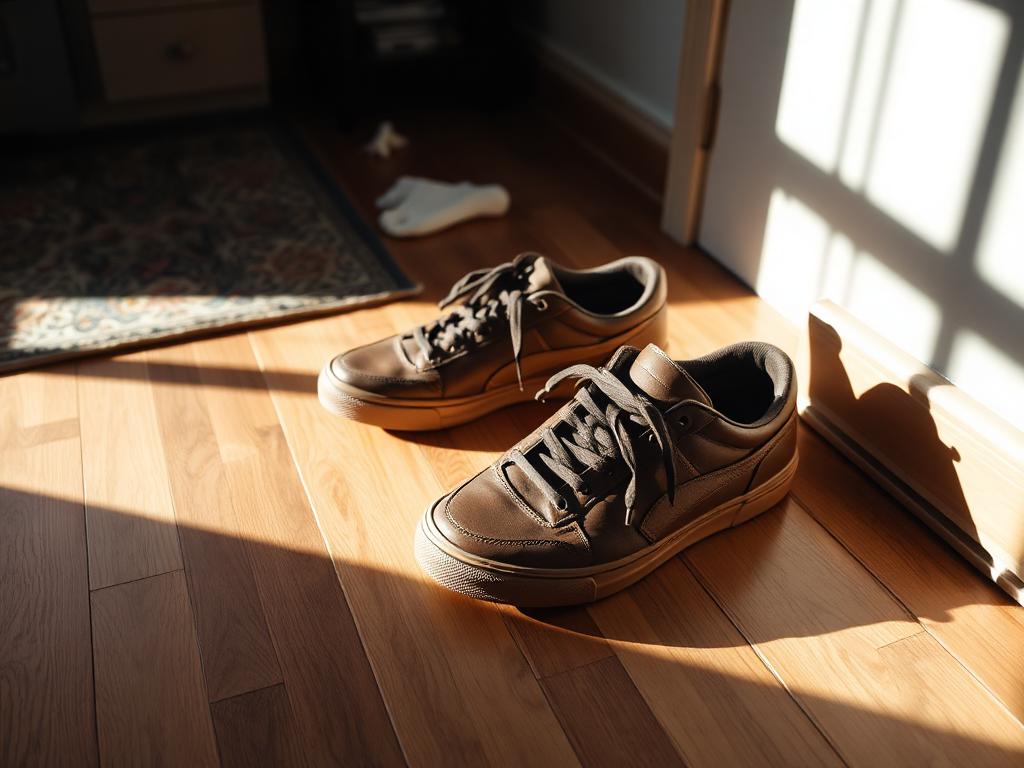
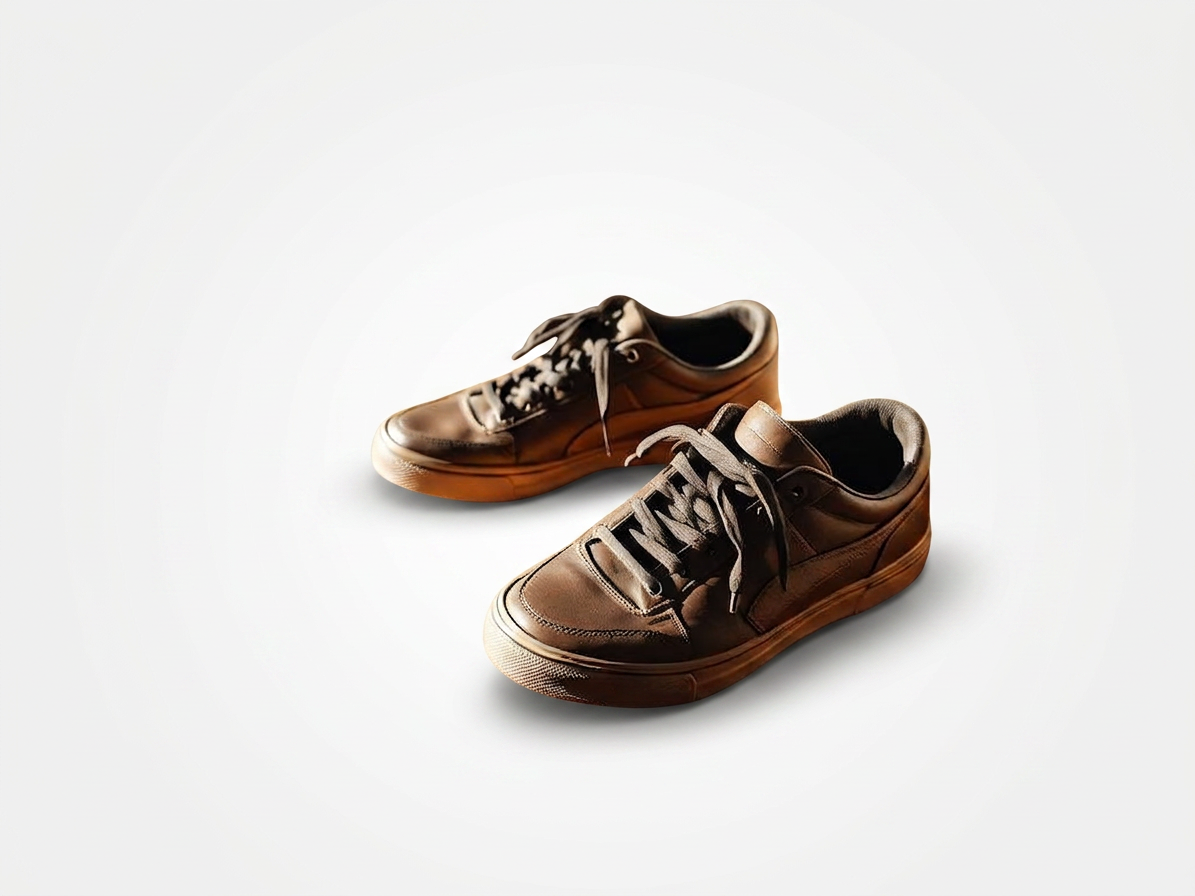
slider.altOriginalslider.altEnhanced
BeforeAfter

AI packshot photography

Studio-grade packshot photos — without the studio

Marketplace-ready white-background product shots in 60 seconds. Built for Shopify, Amazon, eBay and Etsy sellers who don't want to pay $40 per image to a studio.

Free credits on signup — no card required.

Everything a studio packshot delivers — in your browser

Pure-white studio background

Clean #FFFFFF that meets Amazon, eBay, Shopify and Zalando specs out of the box.

Edge-perfect cutouts

Hair, fur, transparent glass, reflective jewelry — handled without the halo artifacts of free tools.

Lighting & contact shadow

Balanced studio lighting and a realistic ground shadow so the product looks placed, not pasted.

Marketplace-aware crops

Amazon 85% subject rule, Shopify 1:1 and 4:5, Etsy 4:3 — all generated in one pass.

Batch the whole catalog

Drop a folder, pick a preset, ship a unified catalog. No per-image manual cleanup.

Watermark & logo removal

Supplier stamps, date overlays and old watermarks scrubbed before publishing.

Frequently asked questions about packshot photography

What is packshot photography?+

A packshot is a clean product photo on a neutral (usually pure white) background — the standard image type for Amazon, eBay, Shopify and catalog listings. Traditionally it requires a studio, lights, sweep and a photographer.

How much does packshot photography normally cost?+

Studio packshots run $15–$80 per image in the US and £15–£60 in the UK. A 50-product catalog easily hits $1,500–$4,000. AI packshot tools like Luminto start at a few cents per image.

Does AI packshot photography meet Amazon's image requirements?+

Yes. Amazon requires a pure white background (RGB 255,255,255), the product filling at least 85% of the frame, no watermarks and no extra elements. Luminto's Amazon preset matches all four automatically.

Can I shoot the base photo on a phone?+

Yes. Place the product on any plain surface in even daylight, snap with your phone. The AI handles background removal, lighting balance and the studio-style shadow.

How is this different from a free background remover?+

Background removers just cut. Packshot AI also balances lighting, adds a realistic contact shadow, crops to marketplace specs and outputs print-resolution files — without the halo artifacts free tools leave around hair, lace and transparent objects.

Will this work for jewelry, glass or reflective products?+

Yes — those are the hardest cases for any background tool, and where Luminto's edge detection beats free removers. For very reflective products you can also stack multiple angles into a 360° spin.

Related guides

Ecommerce product photography

The full product-photo playbook for online sellers.

Ghost mannequin photography

Invisible-mannequin apparel shots — no rig, no Photoshop.

Jewelry photography

Reflective and transparent products handled cleanly.

Free beta

Try Luminto for free — while the beta lasts

We are in beta and every feature is free to use. Upload your photo or launch the demo and see the difference in seconds.

No card, no commitment. Sign-up takes 10 seconds.